How to Remove Vocals from Any Song for Free – Best Online Vocal Remover 2026
Anil Thakor
Founder of Sangeet Easy

Kya aap apne favorite Bollywood gaane ka karaoke version banana chahte hain? Whether you’re practicing for a performance, creating a remix, or just enjoying a jam session at home, you need a high-quality way to isolate the music from the lyrics.
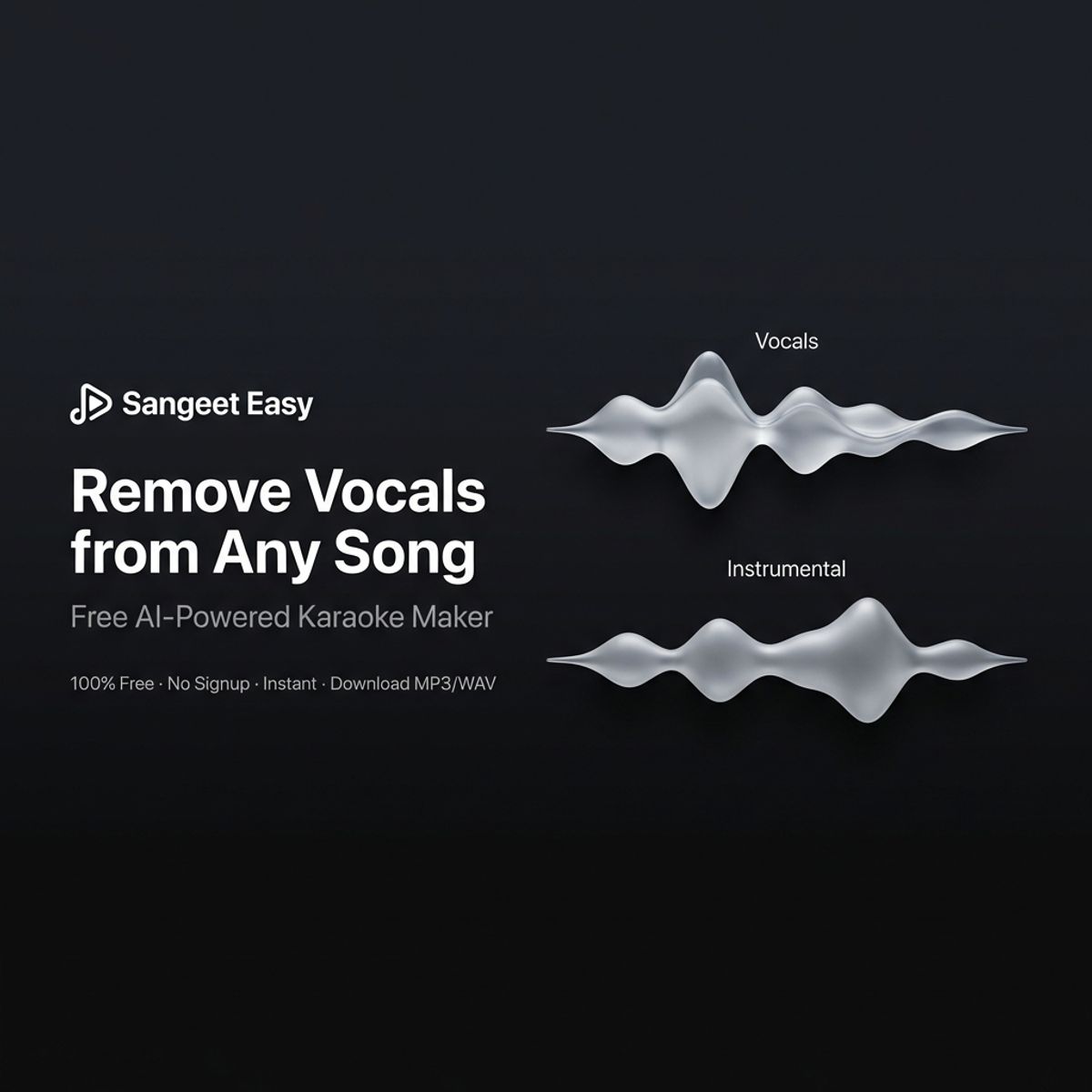
In 2026, you don't need a studio or expensive software. Sangeet Easy uses cutting-edge AI to separate vocals from instrumentals in seconds. Currently available for users to try online, it works on any device with no downloads required.
What is an AI Vocal Remover?
An AI vocal remover (also known as a stem separator) uses machine learning to "hear" a song like a human does, but with the ability to surgically extract specific layers.
When you process a track, you get two distinct files:
- Instrumental/Karaoke Track: The pure music, perfect for singing along or background tracks.
- Acapella/Vocal Track: Just the singer’s voice, ideal for DJs, remixers, and vocal students.
Why Choose Sangeet Easy?
While tools like Lalal.ai or Media.io exist, Sangeet Easy is designed with the user’s workflow in mind:
- Browser-Based Processing: No bulky software to install.
- Privacy-Focused: Most processing happens within your browser environment, keeping your files secure.
- Built-in Analytics: Automatically detects the Musical Key and BPM (Tempo) so you know exactly how to tune your voice.

- Real-Time Mixing: Use on-screen sliders to adjust the balance between vocals and music before you download.
Step-by-Step Guide: How to Remove Vocals
- Visit the Tool: Go to
sangeeteasy.com/vocal-remover. - Upload Your Audio: Click "Upload" or drag-and-drop your file. We support MP3, WAV, M4A, and FLAC.
Tip: For the best results, use a high-bitrate file (320kbps MP3 or lossless WAV).
- AI Separation: The AI will take 3–5 seconds to analyze the frequencies and split the tracks.
- Preview & Refine: Use the "Music" and "Vocal" sliders to hear the separation. You can even lower the vocal volume slightly to use as a "guide track" while you practice.
- Download: Save your final tracks. Choose MP3 for easy sharing or WAV for professional-grade audio quality.
Top Use Cases
- Riyaaz & Vocal Training: Practice your swaras and taans over a clean backing track.
- Content Creation: Get copyright-friendly(ish) instrumentals for your Instagram Reels or YouTube vlogs.
- Music Production: Sample clean acapellas for your next EDM or Hip-Hop remix.
- Learning Instruments: Mute the vocals so you can focus on hearing the guitar or piano parts more clearly.
Pro Tips for Studio-Quality Results
To get the cleanest separation, keep these factors in mind:
- Avoid Live Recordings: Echo and crowd noise can confuse AI. Stick to studio versions.
- Stereo is King: Professional stereo mixes separate much better than old mono recordings.
- Solo vs. Group: Songs with a single lead singer usually result in a "cleaner" instrumental than those with heavy background choirs.
Explore More Sangeet Easy Tools
Beyond vocal removal, we offer a suite of tools to help you master your craft:
- Pitch Shifter: Change the song's key to fit your natural vocal range.
- BPM Finder: Perfect for dancers and producers.
- Audio Cutter: Trim the intro or outro to get straight to the verse.
Try Sangeet Easy today and transform your favorite songs into your own personal stage.